Introduction
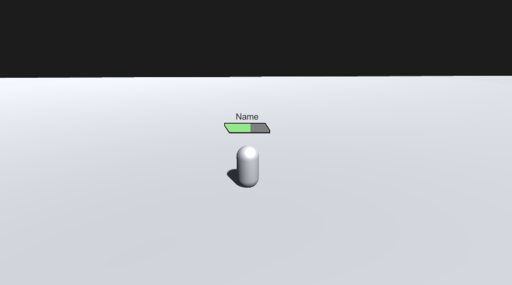
Pinnr is a tool that will help you create UI elements in Unity's built-in UGUI canvas or UI Toolkit document that follow the position of world space objects (3D or 2D) without affecting the rotation and size of UI elements that are usually caused by the world space camera perspective. This feature is compatible for all UGUI Canvas or UI Toolkit Panel Settings' scale modes, including Constant Pixel Size, Scale With Screen Size, and Constant Physical Size.
At its core, using Pinnr is as simple as assigning a Transform object to a Pinnr element.
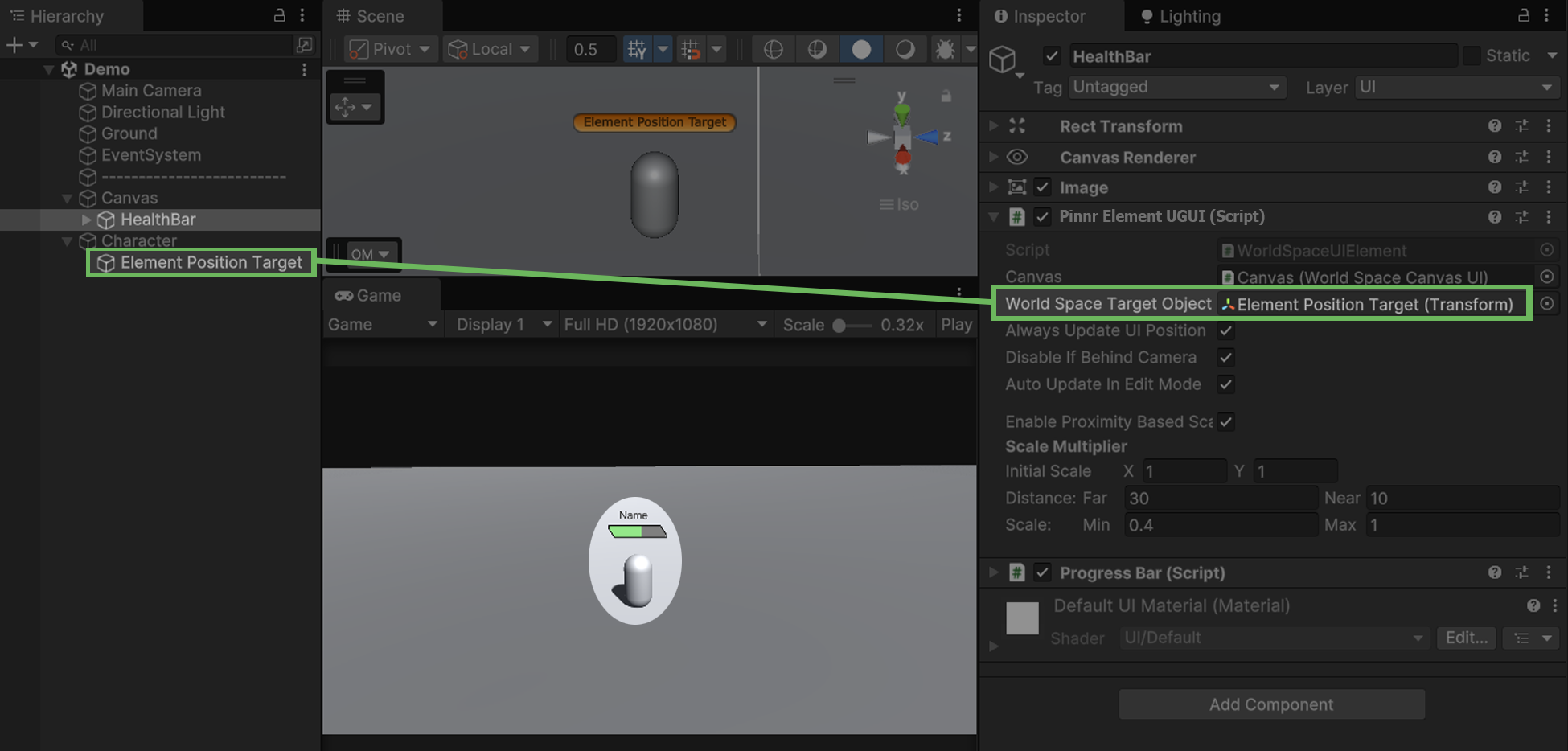
Pinnr supports Unity's built-in UI systems for both Unity UI (UGUI) and UI Toolkit.